
Attraction tickets with audio tours
Explore attractions with audio guidance and go at your own pace
Book self-guided audio tours with attraction tickets for museums, galleries, and other places to visit. Open your tour from the link you receive—no app is required to start in your browser.
- Skip the lines with reserved entry
- Listen online or offline
- Explore at your own pace
Review the available experience details, ticket information, and requirements on WeGoTrip before booking.
Your booking and payment are completed on the WeGoTrip website.
A more flexible way to explore
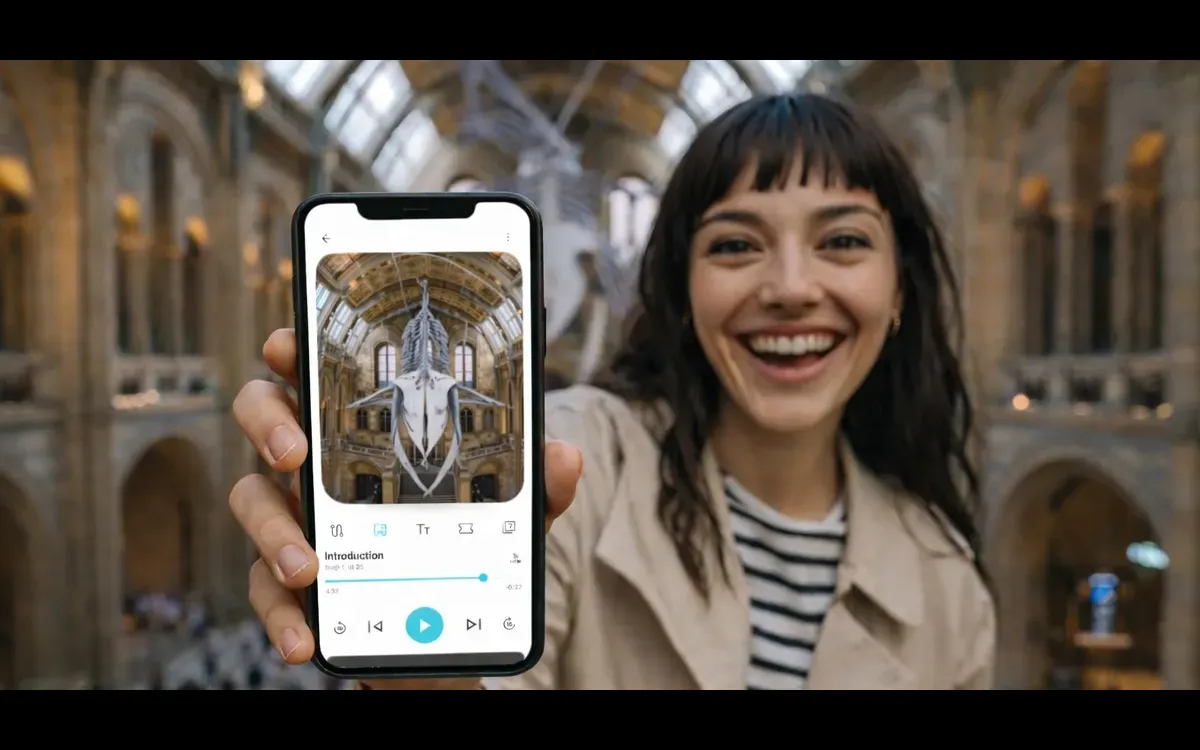
Skip the ticket line
Choose experiences with reserved or skip-the-line entry so you can spend more time exploring instead of waiting. Availability and entry terms vary by activity.
Set your own pace
Start, pause, and continue the self-guided tour when it suits you. The format can work well for families and independent travelers.

Explore with audio guidance
Follow a detailed route through selected attractions and destinations while learning from an audio guide instead of joining an in-person group.
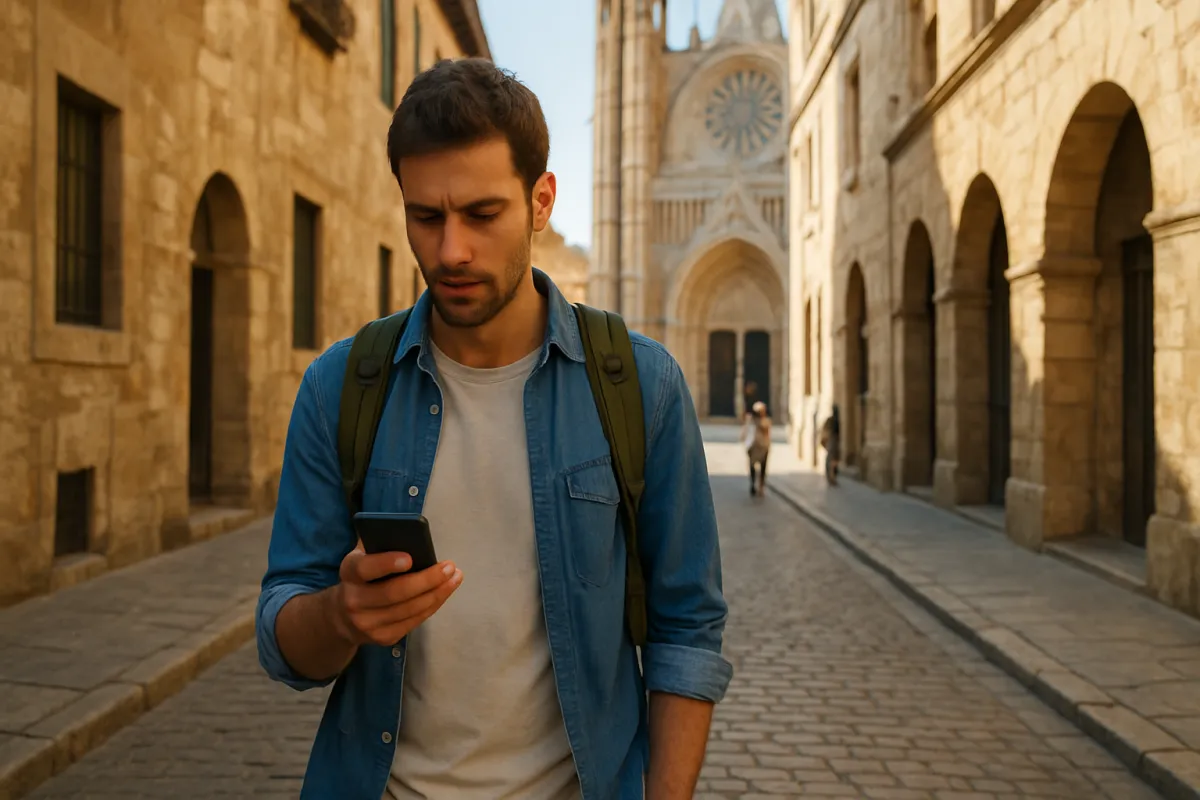
Start from a simple link
After purchase, open your tour from the link WeGoTrip sends. You can listen in your browser or download the tour in the app.

Keep listening offline
Download the tour in the WeGoTrip app before your visit, then use it fully offline. Check the activity requirements, including supported smartphone versions and storage space.
How WeGoTrip works
- Find an experienceBrowse attractions and destinations on WeGoTrip, then choose the audio tour and ticket option that fits your plans.
- Review the detailsCheck what is included, the language, duration, entry information, device requirements, and any activity-specific notes before booking.
- Open and take the tourAfter purchase, use the link or download the free WeGoTrip app, then follow the self-guided route at your own pace.
Questions before you book
What does a WeGoTrip booking include?
It depends on the activity. Listings can include a self-guided audio tour, attraction entry, route guidance, and other stated inclusions. Review the specific experience page before booking.
Do I need the internet during the tour?
Not if you download the tour in the WeGoTrip app in advance. The downloaded tour works fully offline.
Do I need an app?
You can open a tour from the link WeGoTrip sends and listen in your browser. Some tours, including the listed Natural History Museum experience, are available only in the WeGoTrip app, so check the activity details.
What happens after I purchase?
Your entry ticket is delivered in the app right after purchase for the listed Natural History Museum experience. For other activities, follow the delivery instructions shown on the relevant WeGoTrip listing.
Can I cancel my purchase?
Cancellation terms depend on the activity. Check the cancellation policy on the specific WeGoTrip experience page before completing your purchase.
What do I need to bring?
You need your own smartphone and earphones. Device, storage, download, language, and meeting-point requirements can vary, so review the activity details before visiting.
Choose your next attraction and explore it with guidance on your schedule
Browse WeGoTrip experiences, review the details, and book your self-guided audio tour and attraction ticket.